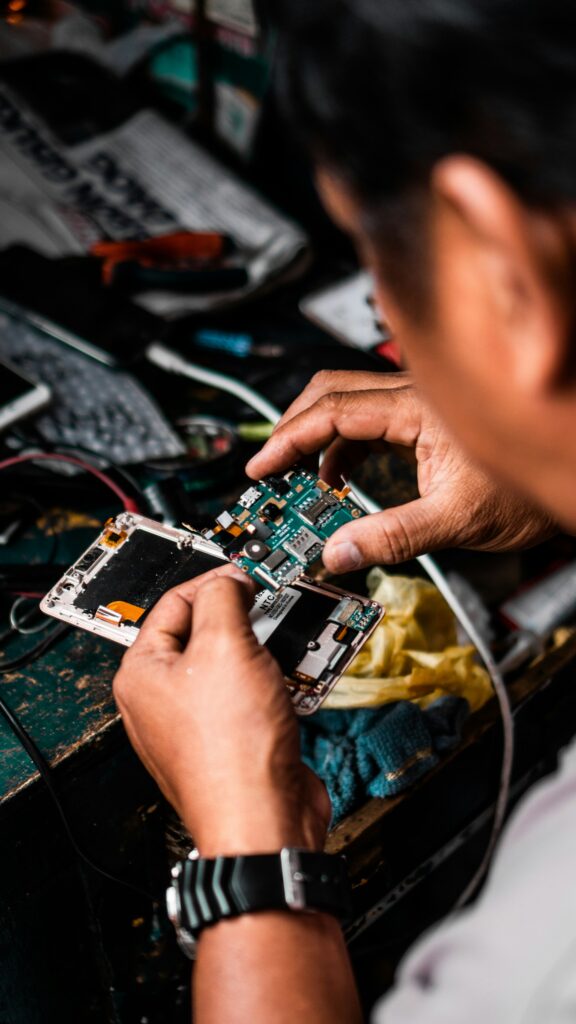
 Most repairs done in under an hour
 Free IT assessment
 Talk to a real person
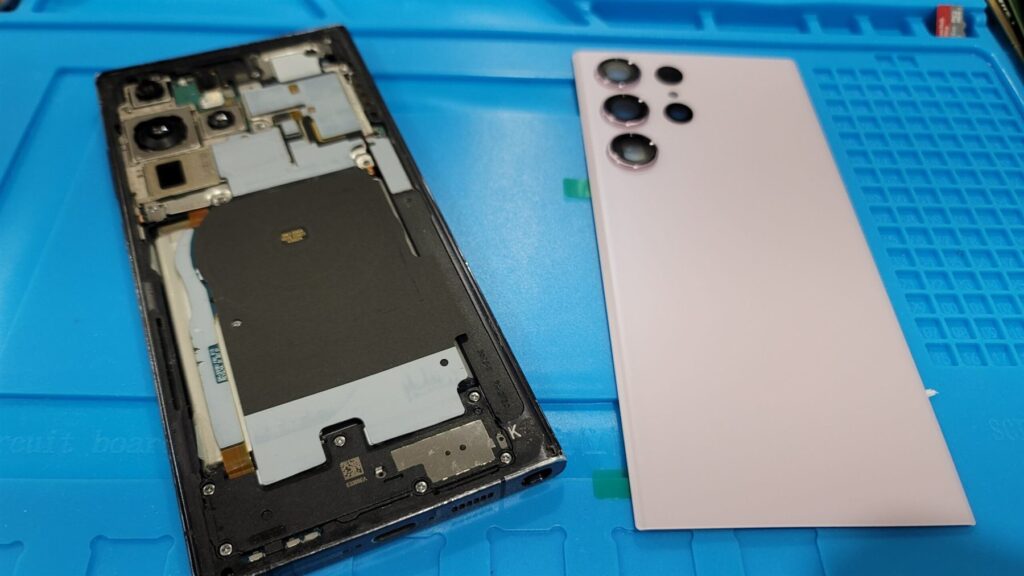
Most Samsung Galaxy screen replacements cost $120 to $320 and take one to two hours. A series phones sit at the low end, S Ultra models at the high end. On many models the screen comes attached to a new frame, which is why it takes longer than an iPhone.
- Turn on Maintenance mode before dropping your phone off.
- Green or pink lines mean the AMOLED panel itself is damaged.
- Ultrasonic fingerprint readers need re-enrolment after a new screen.
- Fold and Flip inner screens are quoted by model.
Typical Galaxy repair costs
| Galaxy | Typical screen price | Typical time |
|---|---|---|
| A series (A14 to A55 and newer) | From about $120 | Often the same hour |
| S series (S21 to S24 and newer) | From about $180 | 1 to 2 hours |
| S Ultra models | Upper end of the range | 1 to 2 hours |
| Z Flip and Z Fold | Quoted by model | Quoted by model |
Why Galaxy screens cost more and take longer
Most Galaxy S models use AMOLED screens glued firmly to the metal frame. Pulling them apart risks damaging the new screen, so replacement screens usually come as a service pack with the frame already attached. It is a bigger part, which costs more, and it takes longer to transfer the internals into the new frame.
The upside: your phone often comes back looking new around the edges, with a fresh frame and buttons.
Use Maintenance mode before a repair
Recent Galaxy phones running One UI 5 and newer include Maintenance mode. It creates a separate profile so your photos, messages and apps are hidden while the phone is being repaired.
- Open Settings. Go to Battery and device care, or Device care on some models.
- Tap Maintenance mode. Choose whether to create a backup first.
- Turn it on. The phone restarts into a clean profile.
- After the repair, turn Maintenance mode off with your PIN or fingerprint.
Green lines, pink lines and black spots
A line running down a Galaxy screen, a green tint or a spreading black spot means the AMOLED panel itself is damaged, usually from pressure or a drop. It will not fix itself and often spreads. A new screen assembly fixes it.
Will the fingerprint reader still work?
Galaxy S models read your fingerprint through the screen with an ultrasonic sensor. After a screen replacement we re-enrol your fingerprint and test it. Thick or poorly fitted glass protectors can stop it working, so pick one that says it supports the ultrasonic sensor.
A swollen Galaxy battery can lift the screen
If your screen is lifting at the edge or the back is bulging, the battery may be swelling. Stop charging the phone and bring it in. We replace swollen batteries the same day in most cases, and check the screen for damage at the same time.
Quick answers
Do you fix Z Fold inner screens?
Yes. Folding screens are quoted by model after we check part availability.
Can you repair a cracked back on a Galaxy?
Yes. Galaxy backs are usually replaced in under an hour.
Will Samsung Wallet still work?
Yes. Screen and battery repairs do not affect it.
Do you have A series screens in stock?
Popular models usually are. Others arrive next day.
Cracked Galaxy in London?
Send your model and we will text back an exact price. Most Galaxy screens are done in one to two hours.