 Most repairs done in under an hour
 Free IT assessment
 Talk to a real person

Backup for your IT team.
You already have IT people. We give them overflow help desk, nights and weekends, project capacity and extra hands on site across London and the GTA.
What is co managed IT?
Your in house team keeps what they do best, and Northline IT takes what they do not have time for: first line tickets, after hours calls, a cabling project, a migration, or on site work at another location. We work for your IT lead, not around them.
Overflow help desk
We take password resets so your team can work on projects.
After hours cover
Our 24/7 line catches what happens overnight.
Project capacity
Moves, cabling, server rooms and data centre work.
Vacation cover
Your systems documented so nothing stalls when someone is away.
Who does what.
Every co managed setup is different. Here is a typical split.
Keeps the strategy
- Business applications and priorities
- Relationships with leadership
- Day to day decisions
- Specialist systems they know best
Adds capacity and tools
- Overflow and after hours help desk
- Patching, monitoring and security tooling
- Projects: moves, rollouts, cabling
- Holiday and sick day cover
Co managed IT makes sense when…
Your IT person is drowning
Tickets pile up and projects never start.
You need skills you do not have
Security, networking, cloud or data centre work.
You need cover
Vacations, sick days and nights.
A big project is coming
An office move or a rollout needs extra hands for a few months.
Tools your team gets access to.
Monitoring and patching
See every device’s health and update status.
Security stack
Endpoint protection and email security we manage together.
Documentation
One shared place for network and system records.
Ticketing
Shared queue so nothing is worked twice.
Co managed IT, explained.
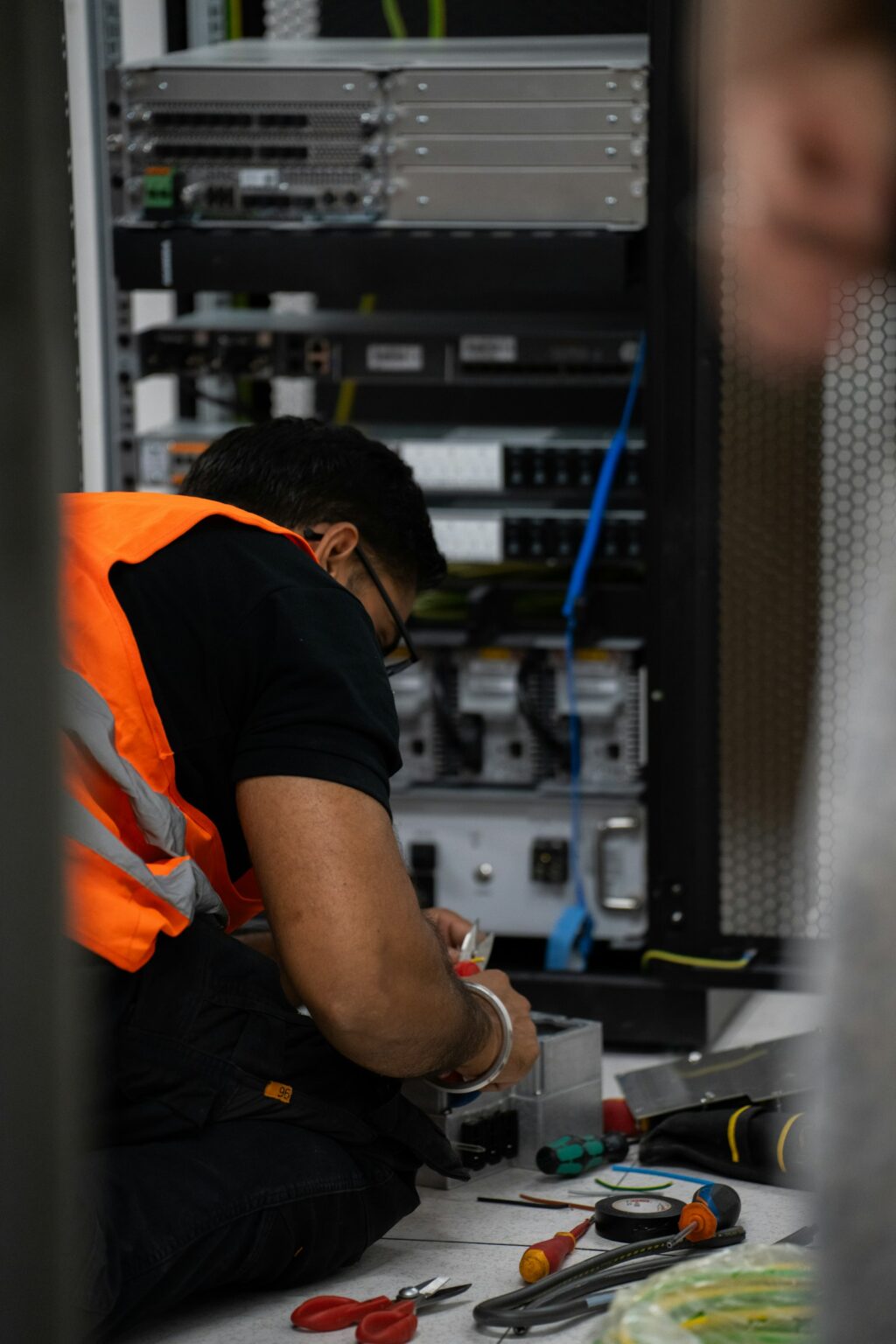
Clear responsibilities from day one
We write down who owns each area, who approves changes and who gets called for what. It stops the two teams stepping on each other.
Access and credentials
We use separate named accounts with only the access we need, so every change is traceable.
Escalation both ways
Your team can hand us anything that is overloading them, and we escalate business decisions back to them.
It can grow or shrink
Some clients use us mainly for after hours cover. Others hand over most day to day work. You can change the mix as your team changes.
Will you replace our IT staff?
No. Co managed IT is designed to support your team, not replace them.
Can we use you only for projects?
Yes. Many teams bring us in for moves, rollouts and cabling.
Do you work with our existing tools?
Where possible, yes. We can also provide ours.
How quickly can you start?
After a short onboarding to learn your environment and document access.
Your IT team, with a team behind it.
Give your team backup.
Tell us what your team covers today and where it is stretched.