 Most repairs done in under an hour
 Free IT assessment
 Talk to a real person

Rack and stack.
Servers, storage, switches, firewalls and PDUs unboxed, mounted, powered and cabled to your elevation, with the packaging gone when we leave.

From the loading dock to powered on.
- Receiving, inventory and serial capture
- Rails, mounting and blanking panels
- Power to A and B feeds as specified
- Data cabling to the port map, labelled both ends
- Console access for your engineers, or configuration by us
- Packaging removed, elevation and photos updated
From dock to live.
Receive
Checked and staged.
Rack
Rails, devices, elevation.
Cable
Patched, dressed, labelled.
Power
A and B feeds verified.
Hand over
Photos and records.
From the loading dock to live.
Receive
Shipments received, checked against your order and staged.
Rack
Rails, devices and cable management installed to your elevation.
Cable and power
Patched, dressed and powered on A and B feeds.
Verify and document
Power on, link lights checked, photos and updated elevations.
What is included.
Rack elevation check
Placement confirmed against your plan before mounting.
Rails and hardware
Correct rails, screws and cage nuts.
Weight distribution
Heavy gear low, balanced across the rack.
Power redundancy
Dual power supplies split across A and B feeds.
Cable management
Dressed, tied and labelled both ends.
Airflow
Front to back, with blanking panels in empty spaces.
Asset records
Serials, asset tags and positions logged.
Handover photos
Front and back of every rack.
From one server to full rows.
| Job | Typical scope |
|---|---|
| Single device | One server, switch or appliance racked and cabled |
| Rack build | A full 42U rack built from empty |
| Refresh | Old gear removed, new gear installed in a change window |
| Row or cage build | Multiple racks, cabling between them and documentation |
Rack and stack, explained.
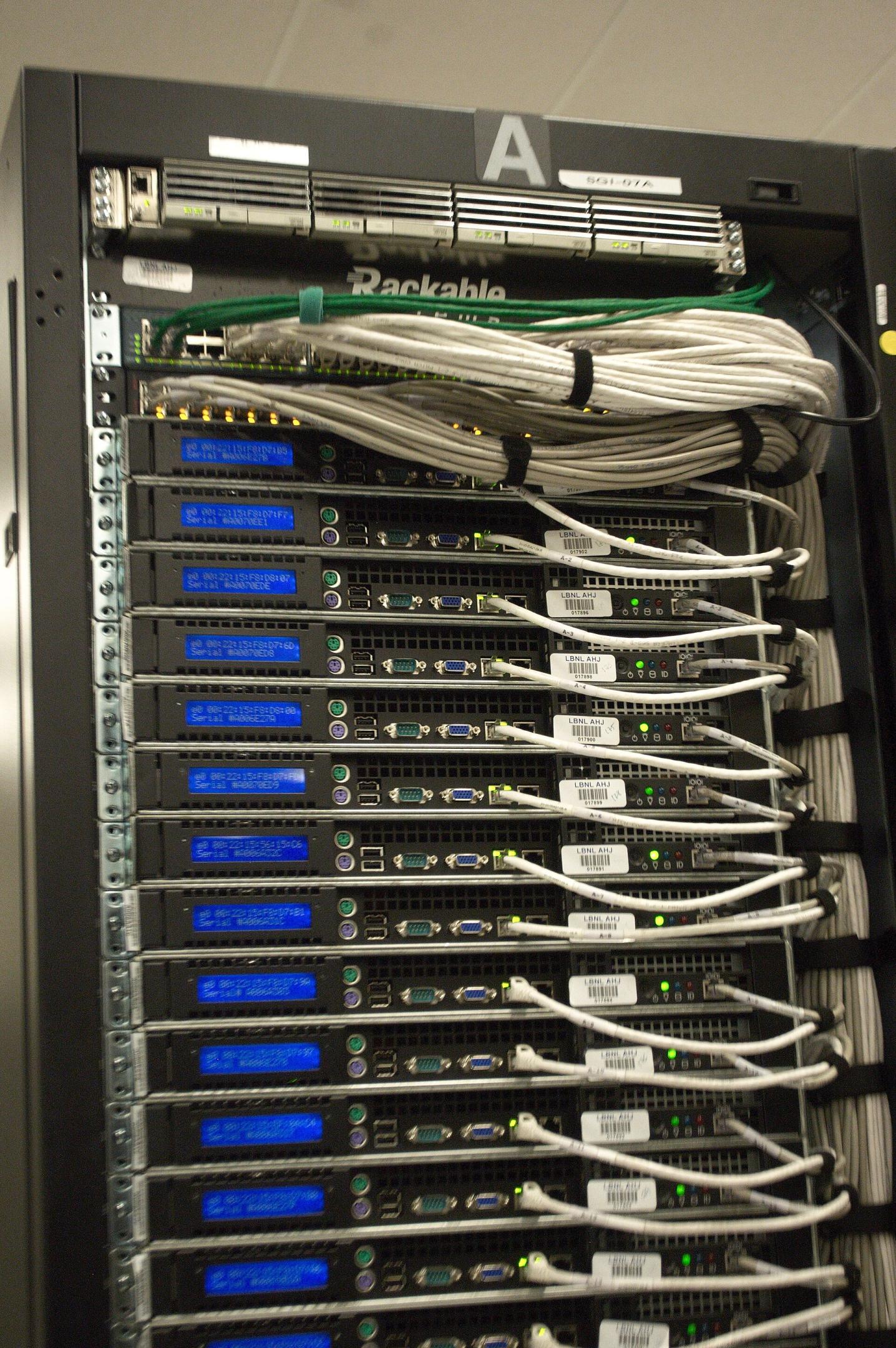
Why elevation planning matters
Planning where every device goes before install avoids moving gear twice, keeps heavy equipment at the bottom and leaves room for growth. We work from your elevation, or draw one with you.
Power done right
Most servers have two power supplies. Connecting them to separate A and B power feeds means a single PDU or circuit failure does not take the device down. We check every connection at handover.
Airflow and blanking panels
Data centre racks are designed for cold air in the front and hot air out the back. Open gaps let hot air recirculate. Blanking panels in empty spaces keep cooling working the way it should.
Shipping and staging
We can receive hardware ahead of time, check it for damage, record serials and stage it so install day is fast.
Can you build to our rack standard?
Yes. Send your standards and elevations and we build to them.
Do you supply cables and rails?
We can supply patch cables, cable management and common rails, or use what you ship.
Do you work in colocation facilities?
Yes, following each facility’s access and work rules.
Can you install after hours?
Yes, in night or weekend windows.
Tell us the site, rack count and timing.
How many devices?
The facility, device count and dates.