 Most repairs done in under an hour
 Free IT assessment
 Talk to a real person
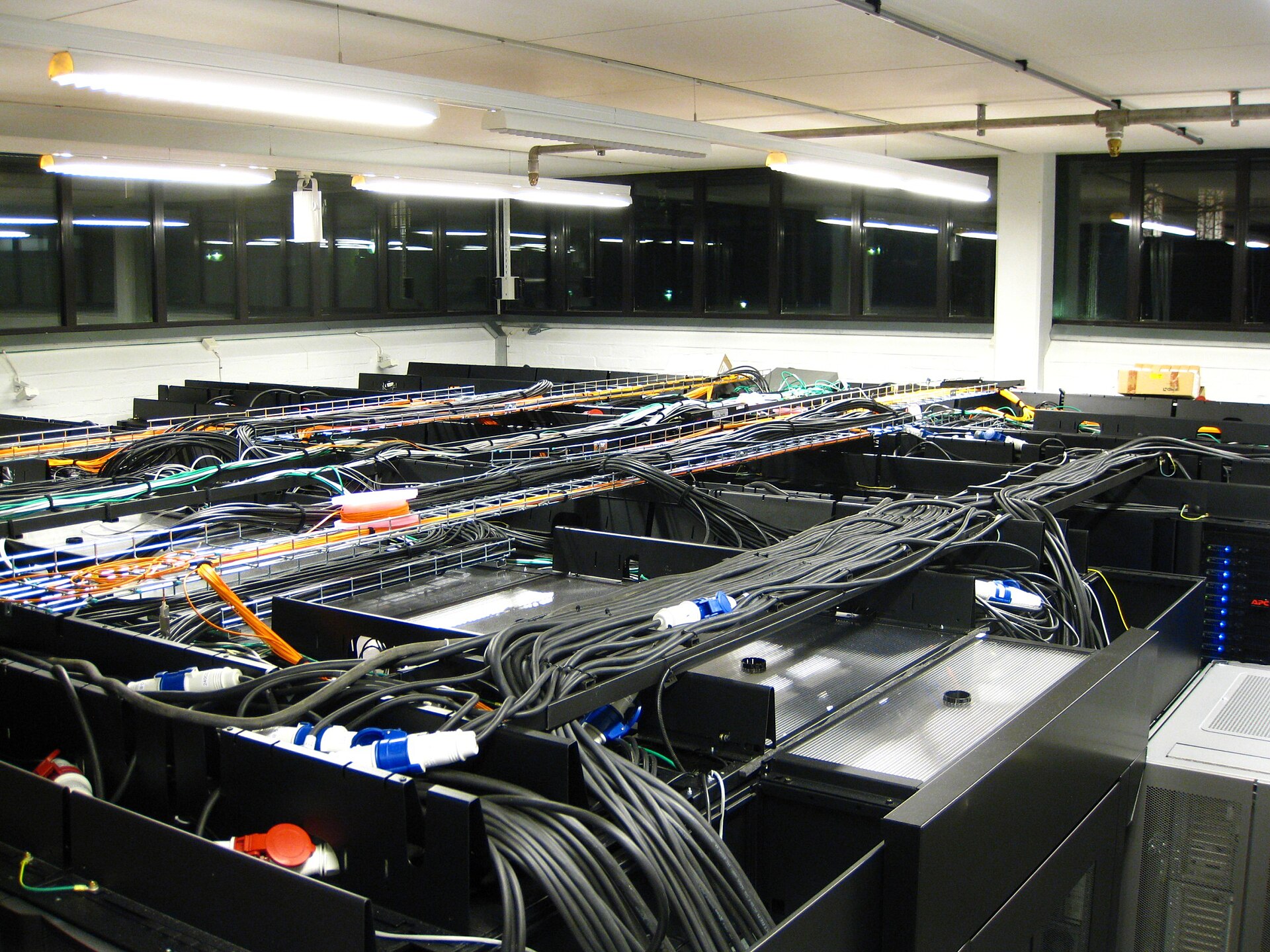
Move it without losing it.
Server room to colocation, one facility to another, or a reshuffle within a hall. Inventoried, planned, moved in a window and proved working.
Inventory
Every device, cable and dependency recorded, backups verified.
Design
New elevations, power and cabling planned; destination pre cabled.
Move
Shut down, transport, rack and power up in an agreed order and window.
Prove
Tested with your team, rollback kept until you sign off.
How a migration flows.
Discover
Inventory and dependencies.
Plan
Racks, cabling and cutover.
Pre build
Destination ready and tested.
Move
Hardware moved in groups.
Verify
Services tested, documented.
What kind of move is it?
| Type | What it involves |
|---|---|
| Physical move | Existing hardware moved to a new rack, room or facility |
| Hardware refresh | Old gear replaced with new, data and services moved across |
| Colocation to colocation | Moving between providers, often across a cutover weekend |
| On site server room to colocation | Moving out of the office into a proper facility |
| Partial move to cloud | Some workloads to the cloud, the rest to new racks |
Planned before anything moves.
Discover
Inventory, dependencies, power and network needs.
Plan
Rack design, cabling, move groups and a cutover plan.
Move
Hardware moved in groups during agreed windows.
Verify
Services tested, documentation updated, old site cleared.
What goes in the cutover plan.
Move groups
Which systems move together, in what order.
Timeline
Step by step, with owners.
Shutdown order
Applications, then servers, then storage and network.
Transport
Packing, labelling and handling.
Power on order
The reverse, with checks at each step.
Test plan
How each service is confirmed working.
Rollback
What we do if something does not come back.
Communication
Who gets updated and when.
What can go wrong, and how we prevent it.
Hidden dependencies
Discovered during planning, not on move night.
Hardware that does not restart
Spare parts and vendor support lined up in advance.
Cabling surprises
New racks pre cabled and tested before the move.
Overruns
Tested timings and a rollback point.
Migrations, explained.
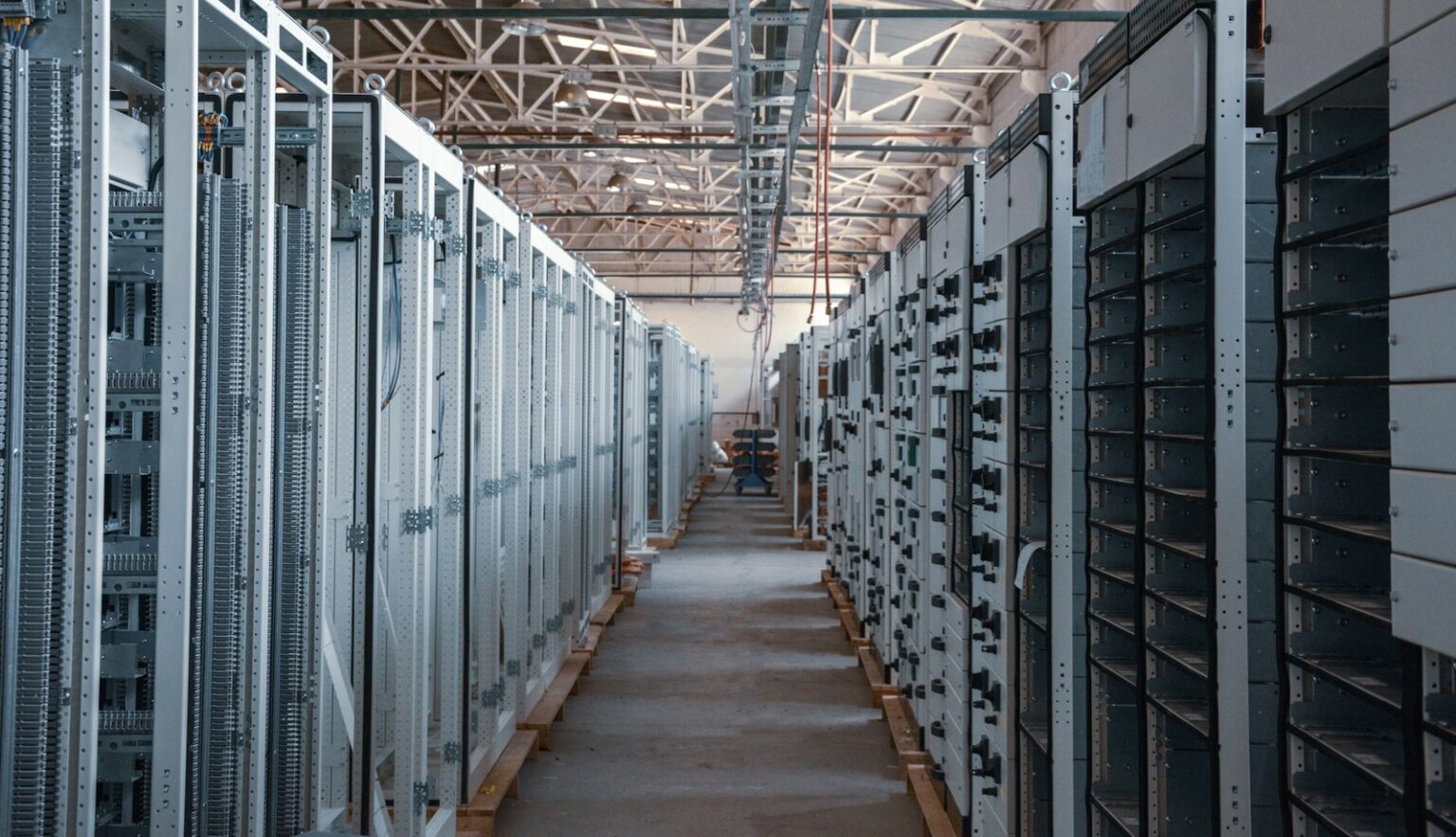
Pre build the destination
The fastest migrations happen when the new racks are already built, powered and cabled before move night. Then hardware just slides into tested positions.
Back up and verify first
Every migration starts with fresh, tested backups of everything that moves.
How long does a migration take?
Small moves can happen in one night. Larger ones are staged over several windows.
Can you move equipment between cities?
Yes, with proper packing and transport.
Do you handle the network changes?
We coordinate with your network team or carrier, and can do the cabling and patching.
What happens to the old site?
We can decommission it properly. See decommissioning.
From where, to where?
Both locations, rack count and your window.