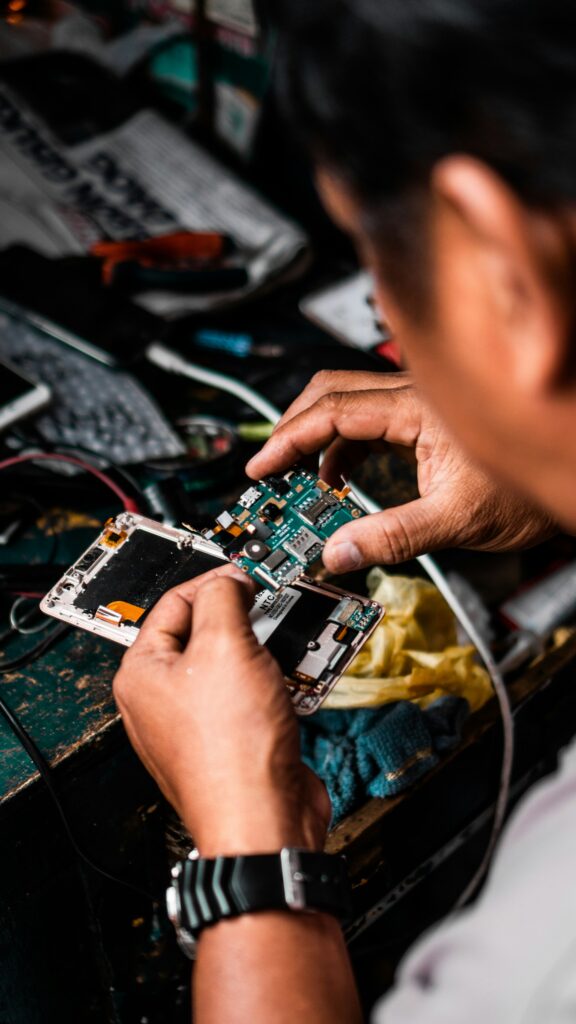
 Most repairs done in under an hour
 Free IT assessment
 Talk to a real person

Hold the power button until the MacBook shuts off, unplug the charger, unplug anything connected, and turn it upside down in a tent shape. Do not try to turn it on. Bring it in the same day so the logic board can be cleaned before corrosion spreads.
- Corrosion starts within hours, even if the Mac still works.
- Sugary drinks and coffee cause the most damage.
- Do not use rice or a hair dryer.
- On Apple silicon MacBooks, a dead board can mean lost data, so back up whenever you can.
What to do in the first two minutes
- Shut it down. Hold the power button for about ten seconds until the screen goes black.
- Unplug everything. Charger, USB drives, displays and accessories.
- Tent it upside down. Open it wide and rest it upside down like a tent so liquid drains away from the board.
- Blot, do not wipe. Soak up liquid on the keyboard with a lint free cloth or paper towel.
- Do not turn it on. Not even to check. Power is what turns a spill into a dead board.
What liquid does inside a MacBook
Liquid runs under the keyboard and onto the logic board. With power present, it can short components immediately. Even without power, minerals and sugars start corroding connectors and tiny components within hours. A Mac that seems fine after a spill can fail days later as corrosion spreads.
What a liquid damage repair involves
We open the MacBook, disconnect the battery and inspect the board under magnification. Affected areas are cleaned to remove residue and corrosion, then dried and tested. Damaged parts such as the keyboard, trackpad or a board component are quoted before we replace anything.
| Stage | What happens |
|---|---|
| Assessment | From $49, usually the same day |
| Board clean | Residue and corrosion removed |
| Testing | Power, charging, keyboard, trackpad, display and ports |
| Parts quote | Only if something needs replacing |
Protect your data
On MacBooks with Apple silicon (M1 and newer) the storage is soldered to the logic board and encrypted by the chip. If the board is badly damaged, data recovery can be very difficult. If your Mac still runs, back it up to Time Machine or iCloud Drive as soon as it has been checked.
Is it worth repairing?
It depends on how much was damaged and how old the Mac is. A keyboard or top case replacement is often worth it on a newer MacBook. Extensive board damage on an older Intel MacBook may cost more than it is worth. We tell you honestly before you spend anything beyond the assessment.
Preventing the next spill
- Keep drinks on the side opposite your dominant hand.
- Use a cup with a lid at your desk.
- Turn on Time Machine with an external drive or keep files in iCloud Drive.
- Consider AppleCare+ if you work in busy or messy spaces.
Quick answers
My MacBook still works after the spill. Do I need to bring it in?
Yes, ideally. Corrosion can cause failures days later even if it works now.
How long does a liquid damage repair take?
The assessment is usually the same day. Repairs depend on the parts needed.
Does AppleCare cover spills?
AppleCare+ includes accidental damage coverage with a service fee. Check your coverage first.
Can you recover my files?
Often. It depends on the damage. See data recovery.
Spilled something?
Shut it down and bring it to 546 Boler Rd today. The sooner it is cleaned, the better the odds.