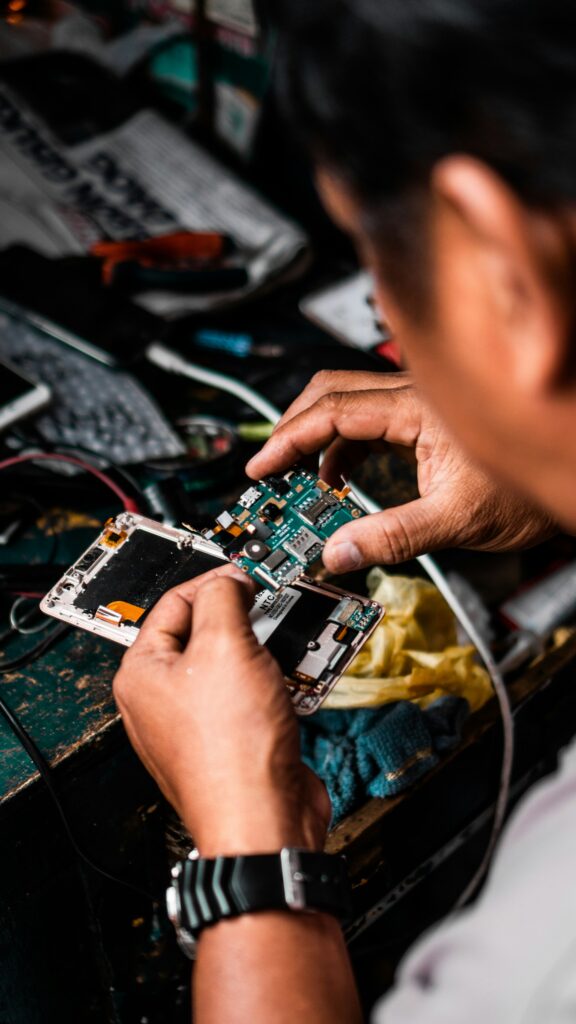
 Most repairs done in under an hour
 Free IT assessment
 Talk to a real person
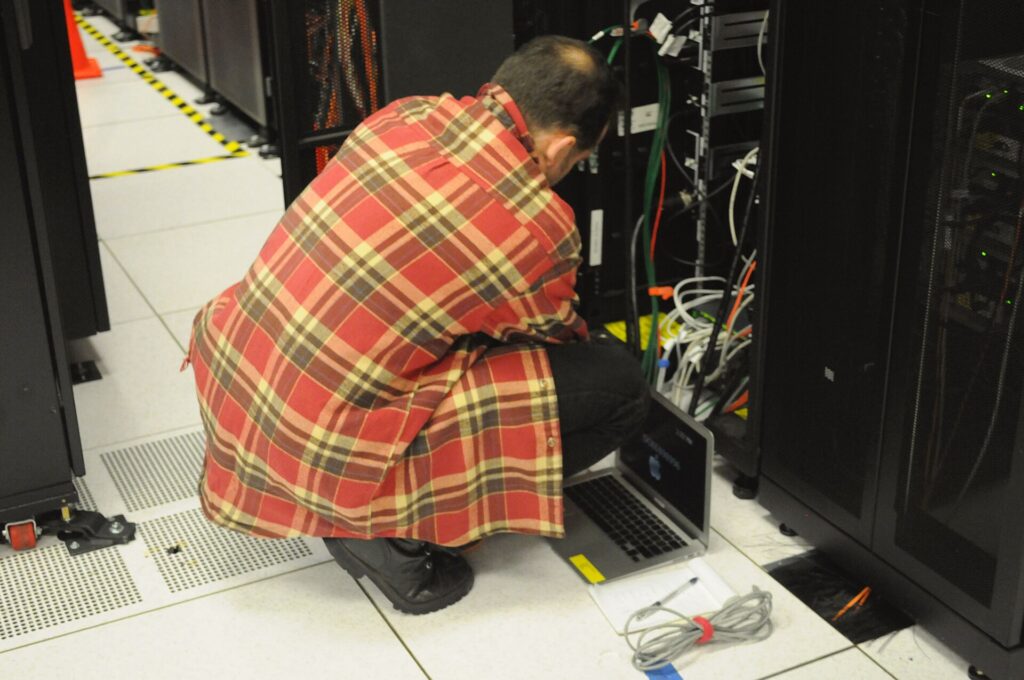
Remote hands means a technician in the data centre performs simple physical tasks on your instructions, like power cycling a server, reseating a cable or swapping a labelled drive. Smart hands means a skilled technician who can diagnose, replace parts and configure equipment. Good requests and good rack documentation make both faster and safer.
- Know which level a task needs before you request it.
- Always include site, rack, unit position and device label.
- Ask for photos before and after.
- Pre register technicians on your facility access list.
Remote hands and smart hands, compared
| Remote hands | Smart hands | |
|---|---|---|
| Typical tasks | Power cycle, reseat a cable, read a status light, swap a labelled drive, take photos | Diagnose faults, replace parts, console configuration, trace and repatch cabling, install devices |
| Skill needed | Careful, follows instructions | Technical, can troubleshoot |
| Instructions | Detailed and specific | Goal based |
| Typical duration | Minutes | Minutes to hours |
How to write a good request
- Location. Facility, room, cage, rack and unit position.
- Device. Hostname, label and serial number.
- Task. What to do, step by step.
- Success. What it should look like when done, such as a green link light.
- Contact. Who is on the phone or chat during the work.
When remote hands saves the day
- A server is hung and out of band management is not responding.
- A drive has failed and the spare is in the rack.
- A cable was knocked loose during other work.
- You need an audit or photos of a rack for planning.
- A carrier needs a cross connect checked.
Why documentation decides speed
In a data centre, the person touching your rack is often not the person who built it. Labels on both ends of every cable, up to date rack elevations and port maps turn a 2 am emergency into a five minute fix. If your documentation is thin, ask for it to be built on the first visit.
Access and security
Facilities control who can enter. Add your support technicians to the access list in advance, confirm escort and photo rules, and agree how equipment and spare parts are received and stored.
Quick answers
Is remote hands available 24/7?
It depends on the provider. Northline IT takes emergency requests on a 24/7 line.
How is remote hands billed?
Usually per task or per block of time. Check minimums and after hours rates.
Can remote hands configure servers?
That is smart hands territory. Ask for the right level up front.
Do you work in colocation facilities?
Yes, across Ontario, subject to each facility’s access rules.
Need hands in a data centre?
From a quick power cycle to a full install, our technicians follow your instructions and document everything.