 Most repairs done in under an hour
 Free IT assessment
 Talk to a real person
Data on a healthy drive inside a dead computer is usually easy to recover. Deleted files on a hard drive can often be recovered if you stop using it immediately. Deleted files on an SSD often cannot, because of TRIM. Physically failing drives may need a clean room. Encrypted drives need the password or recovery key.
- Stop using the device the moment you notice the problem.
- Do not install recovery software on the same drive.
- Never keep powering on a clicking drive.
- Back up afterwards so it never happens again.
Your chances by situation
| Situation | Usual outlook | Why |
|---|---|---|
| Working drive, dead computer | Very good | Data is intact, it just needs a new home |
| Deleted from a hard drive, stopped using it | Fair to good | Data stays until overwritten |
| Deleted from an SSD | Poor | TRIM clears deleted blocks quickly |
| Clicking or grinding hard drive | Depends | May need clean room work |
| Water damaged phone, fast response | Fair to good | Repair enough to boot and copy off |
| Encrypted drive, no key | Not recoverable | Encryption is designed to prevent this |
What to do right now
- Stop using it. Every new file can overwrite what you lost.
- Do not install recovery apps on that drive. Installing them writes data over your files.
- Do not keep restarting a clicking drive. Each spin can damage the surface further.
- Note what is most important. Folders, file types and dates help us focus.
- Bring it in or call. We assess it before any work and quote first.
Why SSDs are harder to recover
On a hard drive, deleting a file only marks the space as free. The data stays until something new is written there. Most SSDs use a feature called TRIM, which tells the drive to clear those blocks soon after deletion so it stays fast. That is great for performance and bad for recovering deleted files.
When a drive needs a clean room
If a hard drive has a mechanical failure, like a damaged read head or seized motor, it has to be opened in a dust free clean room. That is specialist work. We will tell you honestly when a drive needs that level of recovery and what it involves, before you spend anything.
Recovering data from phones
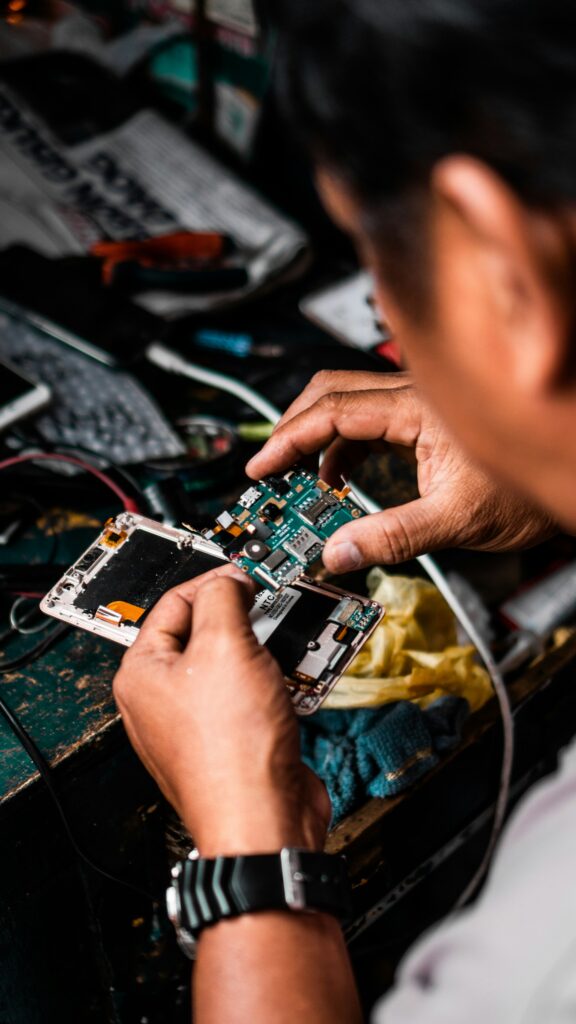
Phone storage is encrypted and tied to the phone’s board, so data usually cannot be read by removing a chip. Recovery means repairing the phone enough to boot it, then copying the data off. A broken screen or a dead battery is often all that stands between you and your photos.
BitLocker, FileVault and passwords
Windows BitLocker and Mac FileVault protect your data if a laptop is lost. They also mean recovery needs the password or recovery key. BitLocker keys are often saved to your Microsoft account. Check before you need them.
Never lose files again
- Phones: turn on iCloud Photos or Google Photos.
- Computers: an external backup drive plus a cloud backup.
- Follow the 3-2-1 rule: three copies, two types of storage, one off site.
- Test a restore every few months.
Quick answers
How much does data recovery cost?
It depends on the device and the problem. We assess it and quote before any recovery work, and the page says no recovery, no fee for recovery work.
How long does it take?
Simple recoveries take one to two days. Complex cases take longer.
Will you look at my files?
Only to confirm the files you asked for open correctly.
Can you recover from a USB stick or SD card?
Often, yes, especially if it was not overwritten.
Lost something important?
Stop using the device and bring it to 546 Boler Rd. We assess it and tell you honestly what can be recovered.