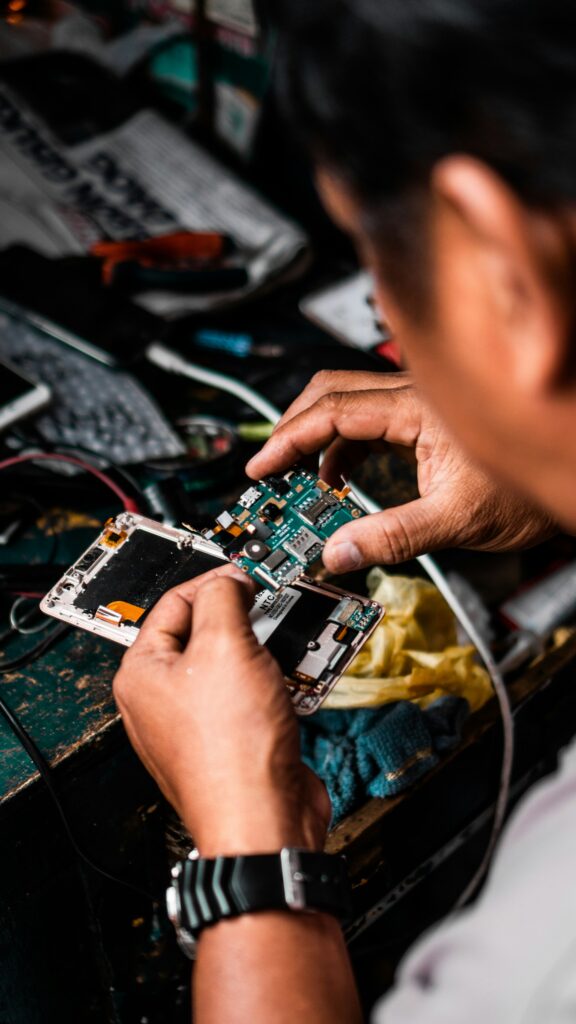
 Most repairs done in under an hour
 Free IT assessment
 Talk to a real person
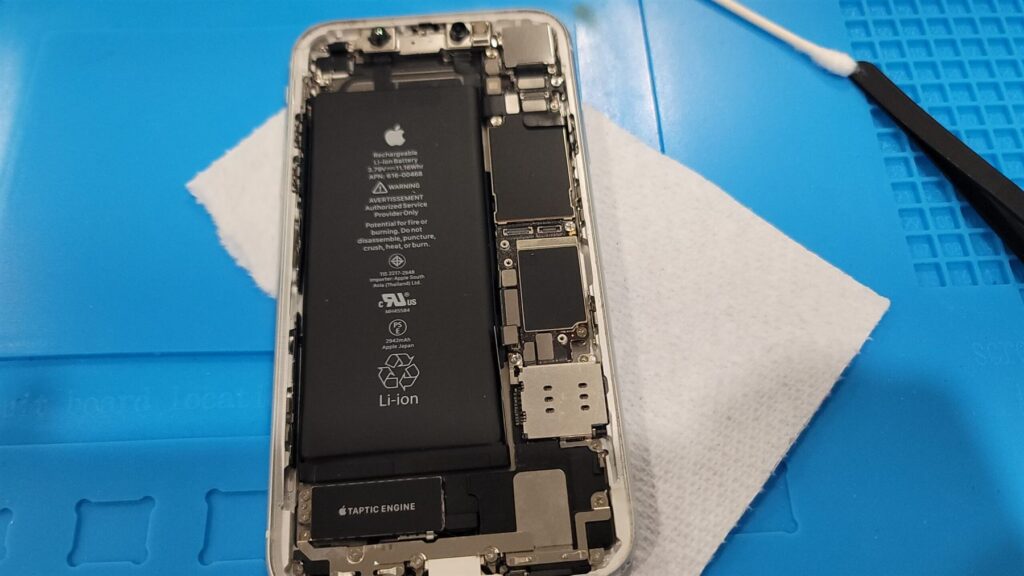
Replace your iPhone battery when Battery Health drops below 80 percent, when the phone shuts down before it hits zero, or when iOS shows a Service message. A new battery usually brings back both run time and speed.
- Check it in Settings, Battery, Battery Health and Charging.
- Apple rates iPhone 14 and earlier batteries for about 500 full cycles, and iPhone 15 and newer for about 1,000.
- Heat wears batteries out faster than anything else.
- A replacement at our shop takes about 30 to 45 minutes and starts at $69.
How to check your iPhone battery health
- Open Settings. Tap Battery, then Battery Health and Charging.
- Read Maximum Capacity. This is how much charge the battery holds compared to when it was new.
- Look for a message. Peak Performance Capability tells you if iOS is slowing the phone to prevent shutdowns.
- On iPhone 15 and newer, go to Settings, General, About to see the cycle count.
The 80 percent rule, and what cycles mean
A charge cycle is using 100 percent of the battery’s capacity, whether in one go or across several days. Apple designs iPhone batteries to keep about 80 percent of their original capacity after a set number of full cycles.
Below 80 percent, most people notice the phone dying before the end of the day, and older iPhones may start managing performance to avoid sudden shutdowns.
Signs your iPhone battery needs replacing
| Sign | What it means |
|---|---|
| Shuts down at 20 to 30 percent | The battery cannot supply peak power any more |
| Feels slow and laggy | iOS performance management is on |
| Gets warm while charging | The cell is working harder than it should |
| Percentage jumps around | The battery gauge and the cell no longer agree |
| Screen or back lifting | The battery is swelling. Stop charging and bring it in |
Why an old battery makes your iPhone slow
As lithium batteries age, they lose the ability to deliver short bursts of high power. When an app suddenly needs more than the battery can give, the phone could shut off. To prevent that, iOS turns on performance management, which caps peak speed. Apps open slower and scrolling stutters.
A new battery removes the cause. In most cases the phone feels quicker the same day, without changing anything else.
How to make your new battery last longer
- Avoid heat. Do not charge under a pillow or leave the phone in a hot car.
- Turn on Optimized Battery Charging. It learns your routine and holds the charge at 80 percent until you need it.
- On iPhone 15 and newer, you can set a charge limit of 80 percent if you want maximum battery life.
- Take thick cases off when gaming while charging.
- Use a decent charger and cable. Cheap ones run hot.
What an iPhone battery replacement involves
iPhone batteries are glued in with stretch release adhesive. Removing them safely takes care, especially if the battery is swollen. We open the phone, remove the old battery without bending or puncturing it, fit a new one with fresh adhesive, reseal the screen and test charging and drain.
| Detail | |
|---|---|
| Typical time | 30 to 45 minutes |
| Typical price | $69 to $129 depending on model |
| Data | Not touched |
| Warranty | Lifetime warranty against defects in our part and labour |
On recent iPhones, iOS may show a battery message after a replacement with a non Apple part. The battery works normally. We explain the part options for your model before you choose.
Quick answers
Is it worth replacing the battery or should I buy a new iPhone?
If the phone still gets iOS updates and the screen is fine, a new battery is usually the cheapest way to make it feel new again.
Will I lose data during a battery replacement?
No. Your photos, apps and messages are not touched.
How long does it take?
About 30 to 45 minutes for most models.
Why does my new battery show a message?
Some iPhones show a message for non Apple batteries. It does not affect how the battery works.
Can you replace a swollen battery?
Yes, and it is safer to let us. Swollen batteries need careful removal.
iPhone dying before dinner?
Most iPhone batteries are replaced in 30 to 45 minutes at 546 Boler Rd, London.