 Most repairs done in under an hour
 Free IT assessment
 Talk to a real person
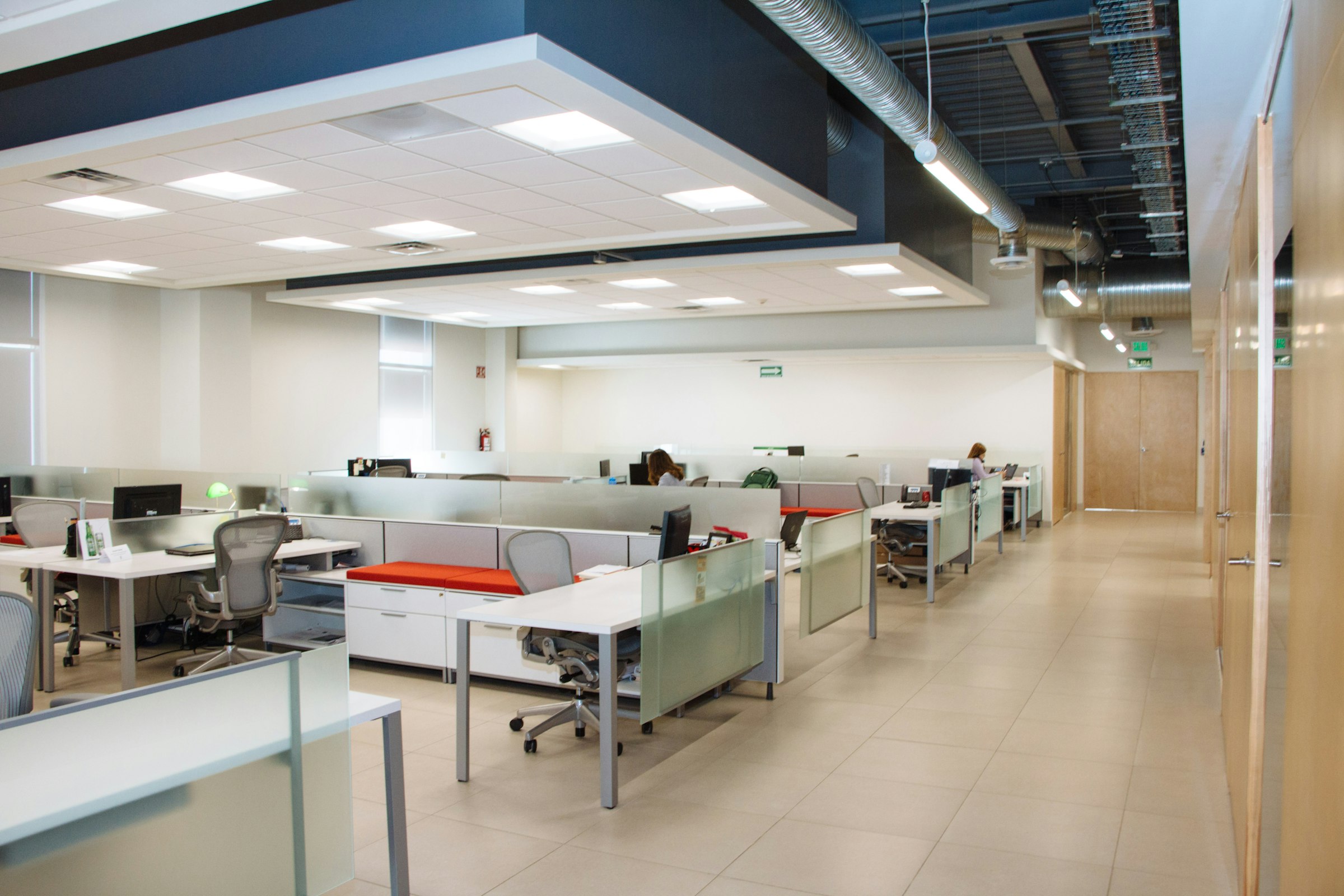
New hire Monday? Ready Friday.
Give us a name and a start date. Computer, email, logins and phone are ready before they walk in. When someone leaves, access is cut the same day.
New hire
Laptop set up, email, files, software, phone extension and password vault ready. We walk them through it on day one and stay on the line while they log in.
Leaver
Accounts disabled the same day, files handed to their manager, email forwarded, shared passwords changed, equipment recovered and wiped.
Old accounts are an open door.
Dormant accounts belonging to people who left are one of the most common ways attackers get in without anyone noticing. Offboarding properly closes that door.
From HR notice to day one.
Tell us once, and everything is ready before they arrive.
A new hire’s first week.
Week before
Start date and role in.
Two days before
Laptop and accounts ready.
Day one
Log in, MFA, walkthrough.
Week one
Check in and fix gaps.
Ready before they arrive.
A week before
HR tells us the start date, role and equipment.
Two days before
Laptop set up, accounts created, apps installed.
Day one
They log in, MFA set up with them, a quick walkthrough.
Week one
We check in and fix anything missing.
Every new starter gets.
A ready laptop
Updated, encrypted and secured.
Email and Teams
Account, signature and groups.
MFA
Set up on their phone with them.
File access
The right SharePoint and shared folders.
Business apps
Accounting, CRM or industry software.
Phone extension
If you use a business phone system.
Printer and Wi-Fi
Connected and tested.
A short welcome
How to reach the help desk.
When someone leaves, we close the doors.
Accounts disabled the same day
Email, Microsoft 365 and business apps.
Mailbox handled
Forwarded or shared with their manager.
Devices collected and wiped
Ready for the next person.
Shared passwords changed
Wi-Fi, vendor portals and shared logins.
Licences reclaimed
So you stop paying for them.
A simple handoff.
| Step | Your team | Northline IT |
|---|---|---|
| Tell us about the hire or leaver | Yes | |
| Order and set up the laptop | Approve | Yes |
| Create or remove accounts | Yes | |
| Set up MFA with the employee | Yes | |
| Collect equipment from leavers | Help | Yes |
Onboarding, explained.

Why old accounts are a real risk
Accounts left active after someone leaves are a common way into a business. A former employee, or anyone who has their password, can still read email and files. Removing access the same day closes that door.
Standard laptops save time
Setting every laptop up the same way means faster onboarding, easier support and better security. When a laptop dies, a replacement is ready the same day.
Remote and hybrid starters
We ship pre configured laptops to remote staff and walk them through first login on a call.
How much notice do you need?
A week is ideal. Two days works for most roles if we have a laptop in stock.
Can you buy laptops for us?
Yes. We quote, order and set them up.
What if someone leaves suddenly?
Call us. We can disable access within minutes.
Do you handle contractors?
Yes, with time limited accounts.
Hiring soon?
Tell us how often you hire and what each new person needs.