 Most repairs done in under an hour
 Free IT assessment
 Talk to a real person

Managed IT, one price.
Everything your computers need to keep working, for one flat monthly price per computer. Help desk, monitoring, updates, security and backups, with no per ticket charges and no contract.
What is managed IT?
One company takes responsibility for your technology every day: answering your staff, watching your systems, installing updates, stopping threats and making sure backups work. With Northline IT you pay one flat price per computer, month to month, whether you call once or a thousand times.

The whole job, covered.
- Unlimited help desk by phone, email and remote session
- On site visits when something needs hands
- Monitoring of computers, servers and network around the clock
- Windows, macOS and software updates overnight
- Managed antivirus watched by a person
- Automated backups with alerts when one fails
- Microsoft 365 or Google Workspace administration
- New staff set up, leavers locked out
- Documentation and asset records you own
Managed, break fix, or hire?
The three ways a business can handle IT.
| Northline managed IT | Pay when it breaks | Hire in house | |
|---|---|---|---|
| Monthly cost | Flat, predictable | Low until it is not | Salary, benefits, training |
| Problems prevented | Yes | No | Depends on the person |
| Nights and holidays | 24/7 emergency line | Extra or unavailable | Only if they answer |
| Vacation and sick days | Covered | n/a | No cover |
Straight answers.
How is the monthly price worked out?
Mostly by the number of computers and servers, plus anything unusual like multiple sites or specialised software. You get the number in writing after the free assessment.
Are emergencies extra?
Support and emergency response are included. New hardware and big projects like moves or cabling are quoted separately so you approve them first.
How long does onboarding take?
Most offices are fully onboarded within a few weeks, and we start answering your staff from day one.
What if we already have an IT company?
We handle the switch, collecting passwords, admin accounts and documentation so nothing is lost.
What we watch and maintain.
Every box in this diagram is monitored, patched and documented.
What we monitor and maintain.
Security updates
Windows, macOS and key apps patched on a schedule.
Endpoint protection
Managed antivirus and threat response on every device.
Backups
Checked daily, restore tested regularly.
Microsoft 365
Security settings, licences and mailbox health.
Network gear
Firewalls, switches and Wi-Fi kept updated.
Device inventory
Every computer, its age and warranty, in one list.
Disk and hardware health
Failing drives flagged before they die.
Accounts
Old accounts removed, admin access kept tight.
From hello to handled.
Assessment
We review what you have and what is at risk, free.
Documentation
Passwords, network, licences and vendors written down.
Standardise
Security baseline, backups and updates set up everywhere.
Ongoing
Help desk, monitoring and quarterly planning.
Managed IT at every size.
| Size | What usually matters most | Start here |
|---|---|---|
| 1 to 10 computers | POS, Wi-Fi, email and backups | Small business IT |
| 10 to 75 people | Onboarding, security and hybrid work | Growing business IT |
| 75+ or multi site | Standards, projects and data centres | Enterprise IT |
| You have IT staff | Backup, tools and project capacity | Co managed IT |
Managed IT, explained.
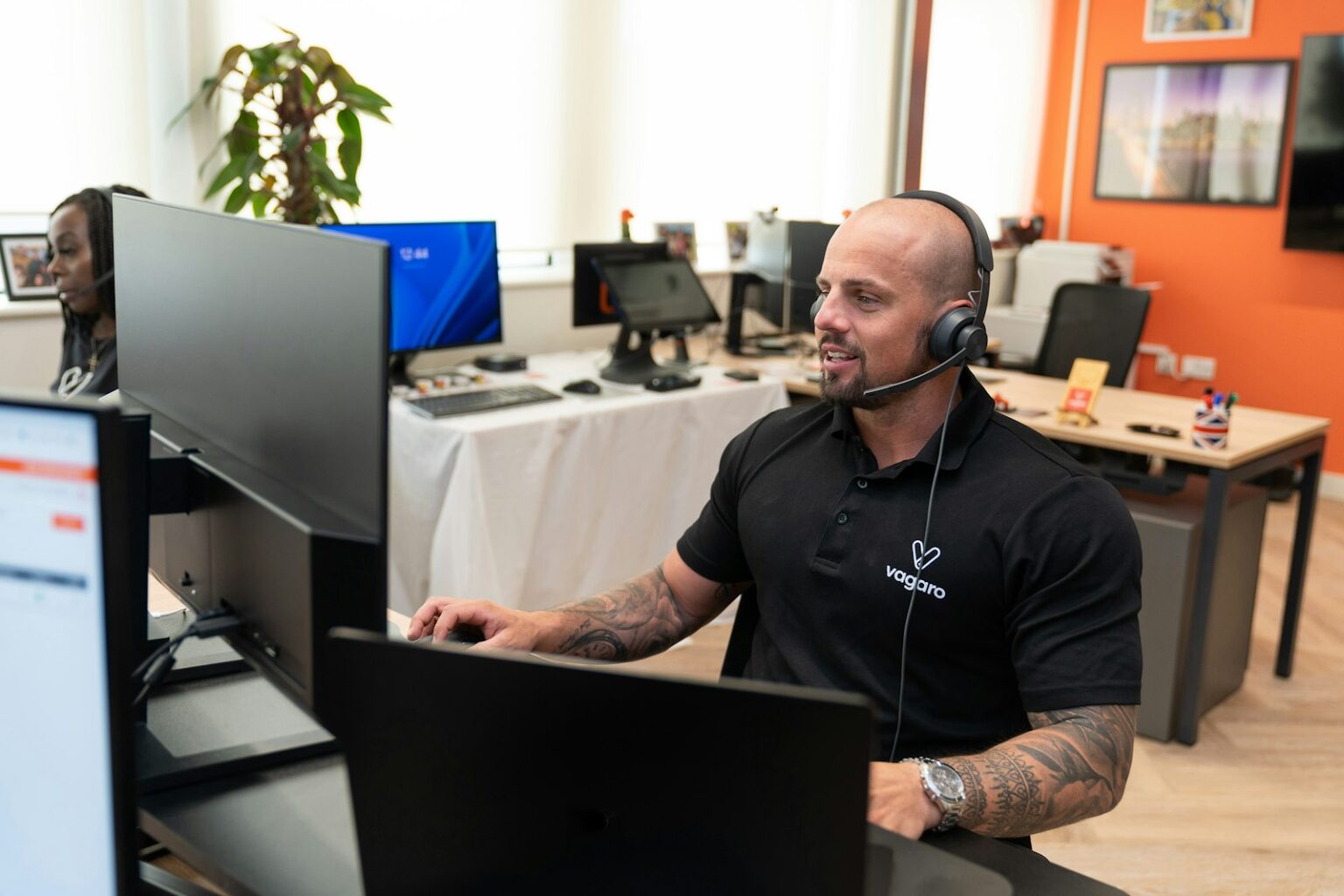
What proactive actually means
Break fix IT waits for something to fail. Managed IT fixes the causes: updates applied before attackers use the hole, drives replaced before they die, licences renewed before email stops. Fewer things break, and when they do, we already know your setup.
Why a flat price works better
When you pay per hour, every call is a cost decision, so problems get ignored. A flat monthly price per computer means your team calls early, which keeps small issues small.
What you get each quarter
A short review of what happened, what is ageing, what needs budget next year and any security gaps. Plain English, one page.
If you ever leave
You own your documentation, passwords and admin accounts. We hand everything over cleanly, because month to month only works if leaving is easy.
See your IT through our eyes.
A free review of your network, security, backups and Microsoft 365, with a one page report.
Get your monthly number.
A technician reviews your setup and quotes one flat price in writing.
- No contract
- Reply within one business day