 Most repairs done in under an hour
 Free IT assessment
 Talk to a real person
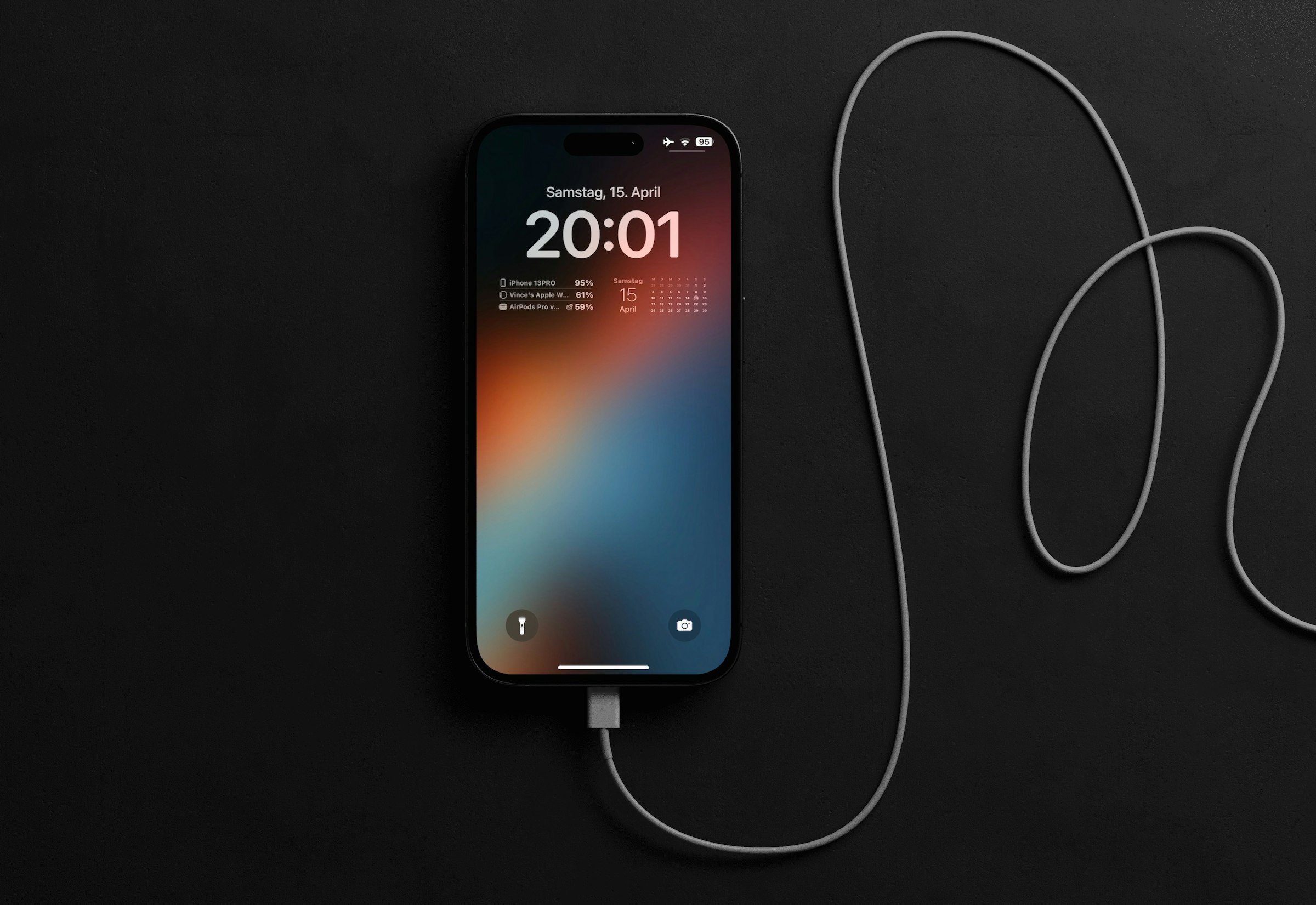
Dead by lunch? New battery.
Phone shutting off at 30%, getting hot or lifting at the back. A new battery for iPhone, Samsung or Pixel takes about 30 to 45 minutes and starts at $69.
When should I replace it?
When battery health drops below about 80%, when the phone shuts off with charge left, or straight away if the back or screen starts lifting from a swollen battery. A replacement costs $69 to $129.
Find your battery health.
- iPhone: Settings, Battery, Battery Health and Charging
- Samsung: Settings, Battery, or Samsung Members diagnostics
- Pixel: Settings, Battery, Battery health
- Under 80%: time for a new one
- Swelling or heat: stop charging and bring it in today
Good to know.
Will a new battery stop my phone shutting down?
If battery health is low, almost always. If health is fine, we test the charging circuit first so you do not pay for a battery you do not need.
How long will the new battery last?
A quality battery gives two to three years of normal use, and ours carry a lifetime warranty against defects.
Do you replace laptop and iPad batteries?
Yes. See laptop repair and iPad repair.
How battery capacity fades.
Rated capacity over full charge cycles
Three numbers worth knowing.
Replace below
Below 80% capacity, Apple considers a battery worn
Cycles
iPhone 14 and earlier are rated to 80% at about 500 full cycles
Cycles
iPhone 15 and newer are rated to 80% at about 1,000 cycles
Source: Apple battery and performance information.
What a new battery brings back.
A worn battery affects more than run time.
What will your battery cost?
Tap your device and the repair. These are our typical ranges before HST, and you get an exact price before any work starts.
Device
Repair
Your battery is on its way out when…
It shuts off at 20 or 30 percent
The battery can no longer deliver peak power, so the phone switches off to protect itself.
The phone feels slow
iPhones manage performance on a worn battery to prevent shutdowns. Apps open slower and scrolling stutters.
It gets hot while charging
Old cells work harder and run warmer. Heat also wears them out faster.
The percentage jumps around
Going from 40 to 12 percent in minutes, or stuck at 1 percent for an hour, means the cell is worn.
The screen or back is lifting
A swelling battery. Stop charging it and bring it in today.
Where to find your battery health.
| Phone | Where to look | When to replace |
|---|---|---|
| iPhone | Settings, Battery, Battery Health and Charging | Under 80 percent, or a Service message |
| iPhone 15 and newer | Same place, plus cycle count under About | Under 80 percent. Apple rates these for about 1,000 full cycles |
| iPhone 14 and earlier | Settings, Battery, Battery Health | Under 80 percent. Apple rates these for about 500 full cycles |
| Samsung Galaxy | Samsung Members app, Diagnostics, Battery status | When it reads Weak, or the phone will not last a day |
| Google Pixel | Settings, Battery, Battery health on newer models | When capacity reads low, or the phone dies by mid afternoon |
What every battery job includes.
Quality cell
A new battery matched to your model, not a generic pack.
Fresh adhesive
The battery and screen seals are replaced, not reused.
Safe removal
Old glued batteries come out without bending or puncturing them.
Full test
Charging, wireless charging, and drain checked before pickup.
Recycling
Your old battery goes to a proper battery recycler, not the bin.
Lifetime warranty
Covers the battery and our labour against defects.
Phone batteries, explained.

Why old batteries make phones slow
Lithium batteries lose capacity and the ability to deliver bursts of power as they age. To stop sudden shutdowns, iPhone turns on performance management and Android phones throttle too. A new battery removes the cause, and the speed usually comes straight back.
Will I see a battery message on my iPhone?
On recent iPhones, iOS can show a message or hide some battery health details after a battery is replaced with a non Apple part. The battery works normally. We explain the options for your model, including a genuine part where available, before you choose.
Habits that make a battery last longer
Heat is the biggest enemy. Avoid charging under a pillow or in a hot car, and take thick cases off when gaming while charging. Turn on Optimized Charging on iPhone or Adaptive Charging on Pixel, and on iPhone 15 and newer you can cap charging at 80 percent.
A swollen battery is urgent
A swollen battery can push the screen off, crack the back glass, and in rare cases catch fire. If you see a gap or bulge, stop charging the phone, keep it somewhere cool, and bring it in. We handle swollen batteries every week.
How long does a battery replacement take?
About 30 to 45 minutes for most iPhone, Samsung and Pixel models. You can wait at the shop.
Will I lose anything?
No. A battery swap does not touch your photos, apps or messages.
Is it worth replacing the battery on an older phone?
If the phone still gets software updates and the screen is fine, a new battery is usually the cheapest way to make it feel new again.
Can you do it if the battery is swollen?
Yes, and it is safer to let us. Swollen batteries need careful removal so they are not punctured.
Your battery price in minutes.
Send the model. We text back an exact price.
- 30 to 45 minutes
- Lifetime warranty