 Most repairs done in under an hour
 Free IT assessment
 Talk to a real person
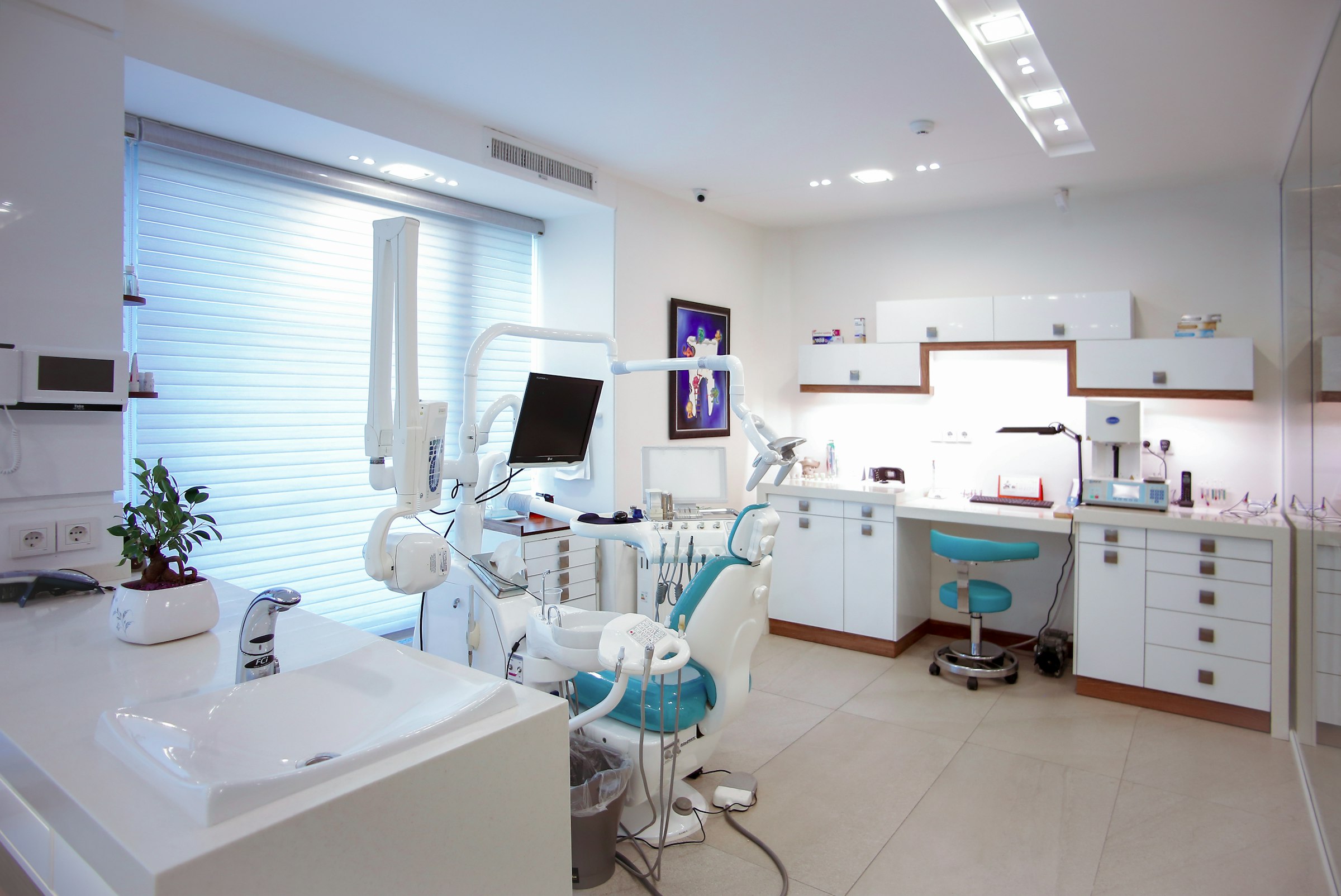
IT that keeps the chairs moving.
Imaging workstations, practice management software, front desk computers and privacy minded backups. A workstation down in an operatory is not a ticket that can wait.
Imaging and sensors
X ray and intraoral camera workstations kept running.
Practice software
Installs, updates, and we call the vendor so you do not.
PHIPA and privacy
Who can reach patient records, and what to do if something goes wrong.
Tested backups
Local and offsite, restored on a schedule.
Every system in the practice.
Separated, backed up and supported, with patient data protected.
What slows a dental office down.
Imaging that will not load
X-ray sensors and imaging software failing mid appointment.
Slow chair side PCs
Old computers running heavy imaging software.
Backups nobody has tested
Patient records with no verified copy.
Shared logins
No way to tell who opened which record.
Front desk printers and scanners
Insurance forms stuck in a queue.
The systems we look after.
| System | What we handle |
|---|---|
| Practice management software | Server or cloud setup, updates with your vendor, workstation access |
| Digital X-ray and intraoral cameras | Drivers, sensor connections and imaging workstations |
| Imaging and CBCT workstations | Performance, storage and backups |
| Front desk | Scanners, card readers, printers and phones |
| Email and patient communication | Secure email and Microsoft 365 |
Privacy safeguards for patient data.
Individual logins
Every staff member has their own account.
MFA
On email and remote access.
Encryption
Laptops and backups encrypted.
Tested backups
Patient data restorable, with records.
Access reviews
Leavers removed the same day.
Audit logging
A record of access for investigations.
Dental IT, explained.
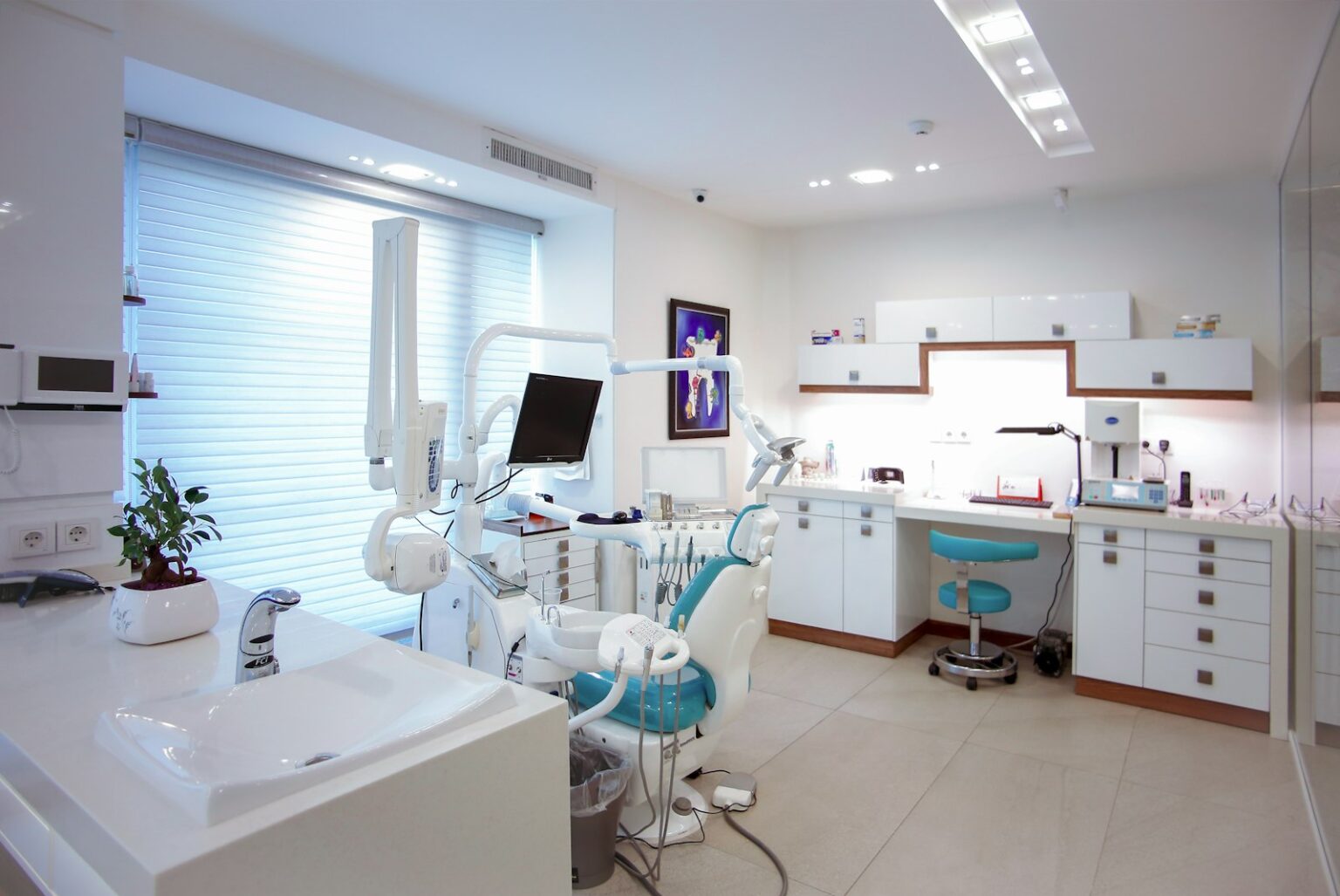
PHIPA and your practice
In Ontario, health information custodians must take reasonable steps to protect personal health information, and privacy breaches may need to be reported to the Information and Privacy Commissioner of Ontario. Individual logins, encryption, backups and access logs are the technical side of meeting that duty.
Keep the chairs running
A dead imaging PC stops appointments. Standard workstations and a spare ready to swap in mean a failure costs minutes, not a day of rescheduling.
Work with your software vendor
We coordinate with your practice software and imaging vendors on updates and support, so you do not have to sit on hold.
Can you set up a new dental office?
Yes: cabling, network, workstations, imaging and phones.
Do you work after hours?
Yes, so updates and changes do not interrupt patients.
Can you support multiple clinics?
Yes, with the same setup across locations.
Do you replace imaging sensors?
We handle the IT side. Sensor hardware is supplied by your dental vendor.
How we take over your IT.
Walkthrough
Operatories, front desk and server closet.
Vendor contacts
Practice software and imaging vendors documented.
Baseline
Logins, MFA, backups and encryption.
Support
Help desk, after hours updates and planning.
Keep the schedule full.
Tell us your software and how many operatories or rooms.