 Most repairs done in under an hour
 Free IT assessment
 Talk to a real person
Footage you can actually use.
Cameras placed where they catch faces and plates, footage kept long enough to matter, and fobs instead of handing out keys.
Why is footage useless when you need it?
Usually placement and retention, not the cameras: the wrong angle, washed out by backlight, or overwritten after a few days. We place cameras for the incidents you care about and size storage so footage is still there.
IP cameras
Wired with PoE, indoor and outdoor.
Recording
Storage sized for the days you need.
Remote viewing
Live and recorded from your phone.
Door access
Fobs, keypads, schedules and an entry log.
Footage you can actually use.
Cameras on their own network, recording you can find and export.
Why footage is useless when you need it.
Wrong placement
Cameras show the tops of heads, not faces or plates.
Low light
Night footage is a grey blur.
Recording stopped weeks ago
Nobody noticed the drive was full or failed.
Nobody can export it
Police ask for footage and no one knows how.
Cameras on the business network
An easy way in for attackers.
A system you can actually use.
IP cameras
High resolution, with good low light performance.
Network video recorder
Recording on site, sized for your retention.
Remote viewing
Live and recorded footage on your phone.
Door access
Key cards, fobs or mobile credentials.
Isolated network
Cameras kept off your business network.
Health monitoring
Alerts if a camera or recorder goes offline.
What do you need to see?
| Area | What matters | Typical camera |
|---|---|---|
| Entrances | Faces of people coming in | Fixed camera at head height |
| Cash and tills | Hands, cash and the screen | Overhead, close range |
| Parking and loading | Vehicles and plates | Long range, good night vision |
| Stock rooms | Who goes in and out | Wide angle |
| Exterior perimeter | Movement after hours | Weather rated, infrared |
Cameras and access, explained.
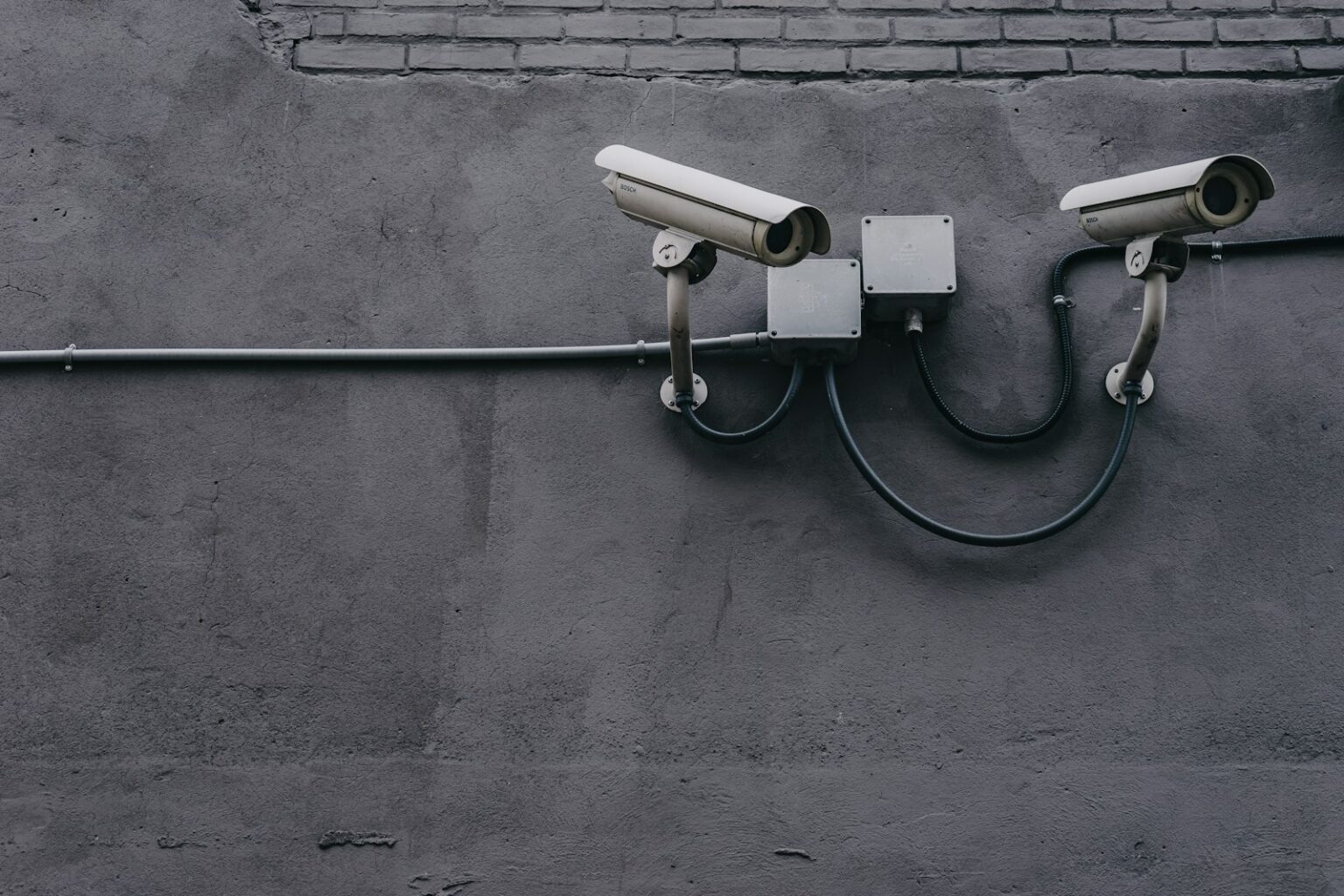
Retention and storage
How long footage is kept depends on the number of cameras, resolution and recording mode. Most businesses keep two to four weeks. We size storage to your needs and check that recording never silently stops.
Privacy rules
Cameras should not cover areas where people expect privacy, like washrooms, and signage telling people they are being recorded is good practice. Workplace cameras may also need to be covered in your employee policies.
Door access instead of keys
Key cards and fobs can be disabled the moment someone leaves, and every door opening is logged. No more changing locks when a key goes missing.
Keep cameras off the business network
Cheap cameras are a common way into business networks. We put them on their own network segment so a compromised camera cannot reach your computers.
Can we view cameras on our phones?
Yes, live and recorded, securely.
How long is footage kept?
Usually two to four weeks, depending on storage.
Can you reuse our existing cameras?
Sometimes. We test them first.
Do you install door access on existing doors?
Usually, yes. Some doors need new hardware.
What do you need to see?
Doors, tills, parking, stock rooms. Tell us and we plan it.